Guide
Getting started with DV Retro Pocket: first setup and legal games
Charge, prepare the memory card, update firmware and play your own game backups or free homebrew.
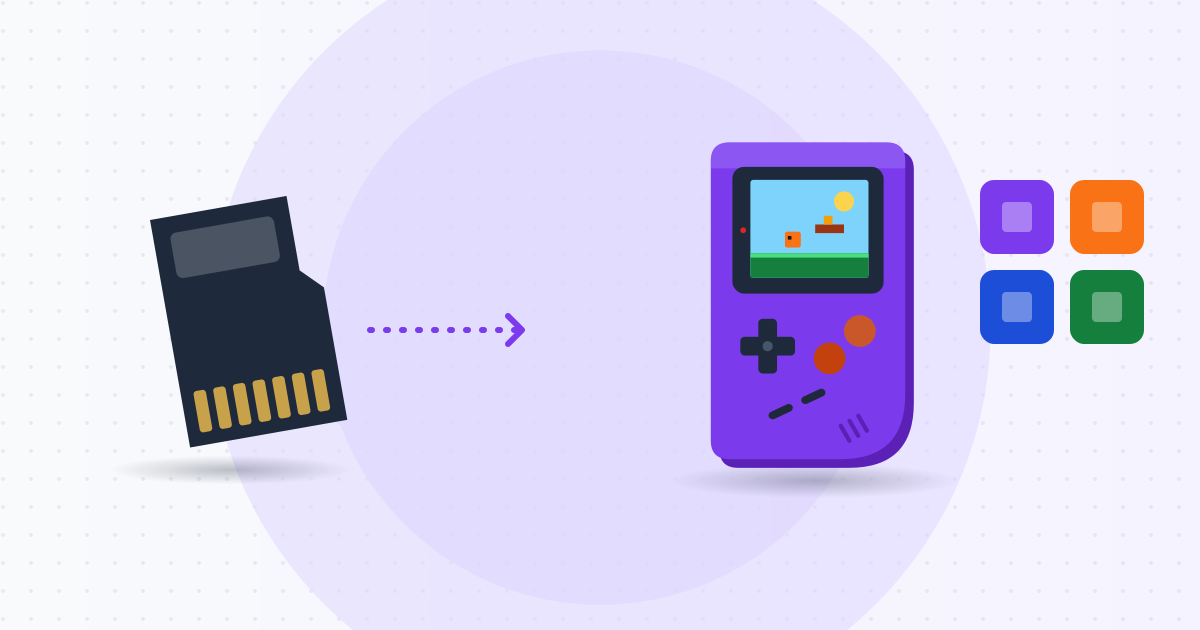
DV Retro Pocket is a 3.5-inch handheld running a Linux-based emulator front end. This guide covers first setup and loading games legally.
Legal note
Emulators are legal software, but commercial game files (ROMs) and BIOS files are copyrighted. SHINDIY does not supply, bundle or explain how to download ROMs/BIOS from the Internet. Only use:
- Backups you made yourself from original cartridges or discs you own, where local law allows.
- Free community homebrew, or indie games you bought for retro systems.
- Games released by their authors under free or open-source licenses.
Step 1: Charge fully
Use the included USB-C cable and a 5V/2A charger – avoid unknown high-voltage fast chargers. Red means charging, green means full (about 3 hours). Do not charge on bedding or in hot places. If the battery swells, gets unusually hot or smells, stop using it and contact warranty.
Step 2: Prepare the memory card
The built-in 16 GB holds the system. For games, use a genuine Class 10/U1 microSD card of 32–128 GB, formatted FAT32 (exFAT for larger cards if the firmware supports it). Insert it and boot once so the system creates folders such as /Roms/GB, /Roms/GBA, /Roms/NES, then copy files from your computer.
Step 3: Update firmware
Check Settings → System info, download the latest DV Retro Pocket firmware from SHINDIY's Downloads page (verify the SHA-256), and follow the included instructions with the battery above 50%. Never power off mid-update.
Step 4: Add legal games
Download a Game Boy homebrew .gb file from the author's own page, or use a dump of your own cartridge made with a cartridge dumper, copy it to /Roms/GB, then refresh the game list or reboot.
Step 5: Controls and display
Press Menu in-game for the emulator menu: save/load states (keep using in-game saves too), integer scaling for sharp pixels or Fit to fill the screen, a grid filter for a classic look. Around 60% brightness extends battery life.
Step 6: Back up saves
Copy the /Saves folder to your computer regularly – lost saves cannot be recovered.
Troubleshooting
- Game not listed: check folder, file extension, refresh the list.
- Stutter: disable heavy filters, try another emulator core.
- Will not power on: charge 30 minutes, then hold power for 10 seconds.
The device has a 6-month manufacturer warranty. Contact SHINDIY on Zalo during working hours for help.