Guide
Programming DV Robot Mini AI with MicroPython
Connect the robot to Thonny, run your first commands, read the ultrasonic sensor and write an obstacle-avoidance program.
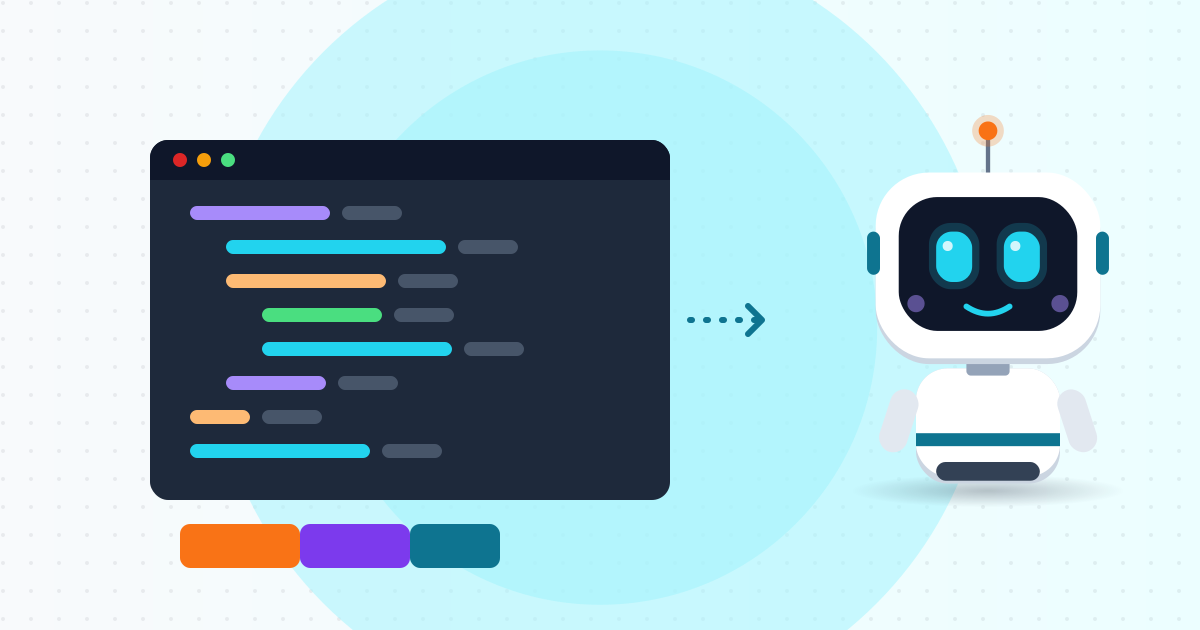
DV Robot Mini AI uses an ESP32-S3 with MicroPython preinstalled – a lean Python for microcontrollers. Here you will write your first program: drive the robot and avoid obstacles with its ultrasonic sensor.
Battery safety
The robot uses rechargeable lithium cells. Charge only with the supplied cable and circuit, supervised, on a non-flammable surface. Never dent, puncture or short the battery, and never charge one that is swollen or unusually hot. Switch off when idle and store somewhere cool and dry, away from small children. While coding, lift the robot so the wheels cannot run off the desk.
Step 1: Install Thonny
Download Thonny from thonny.org. Connect the robot with a data-capable USB-C cable and switch it on. In Tools → Options → Interpreter choose MicroPython (ESP32) and the right COM port. A >>> prompt in the Shell means you are connected. To reinstall firmware, use the DV Robot Mini AI MicroPython firmware from SHINDIY's Downloads page.
Step 2: First command
from machine import Pin
led = Pin(48, Pin.OUT)
led.value(1)
(Pin numbers are examples; check the pinout in the robot's documentation.)
Step 3: Motors
from machine import Pin, PWM
import time

left_a = PWM(Pin(4), freq=1000)
left_b = PWM(Pin(5), freq=1000)
right_a = PWM(Pin(6), freq=1000)
right_b = PWM(Pin(7), freq=1000)

def drive(left, right):
    left_a.duty(max(left, 0));  left_b.duty(max(-left, 0))
    right_a.duty(max(right, 0)); right_b.duty(max(-right, 0))

def stop():
    drive(0, 0)
Run it (F5), then type drive(600, 600) to go forward and stop() to stop.
Step 4: Ultrasonic sensor
Sound travels about 0.0343 cm per microsecond; divide by two for the round trip:
from machine import Pin, time_pulse_us
import time

trig = Pin(9, Pin.OUT)
echo = Pin(10, Pin.IN)

def distance_cm():
    trig.value(0); time.sleep_us(2)
    trig.value(1); time.sleep_us(10)
    trig.value(0)
    t = time_pulse_us(echo, 1, 30000)
    if t < 0:
        return 999
    return t * 0.0343 / 2
Step 5: Obstacle avoidance
while True:
    d = distance_cm()
    if d < 20:
        stop(); time.sleep_ms(100)
        drive(-500, -500); time.sleep_ms(300)
        drive(-500, 500); time.sleep_ms(350)
    else:
        drive(600, 600)
    time.sleep_ms(50)
Closer than 20 cm: stop, back up, turn left; otherwise go straight.
Step 6: Run on power-up
Save the file to the MicroPython device as main.py. Press Stop/Restart (Ctrl+F2) in Thonny to interrupt it.
Ideas: tune speeds and the 20 cm threshold, turn randomly to escape corners, add a beeper. The robot carries a 6-month manufacturer warranty; send the SHINDIY team a Thonny screenshot on Zalo if you cannot connect.